



Zelver
PlatformHow It WorksFeaturesFor BusinessesFor Security OfficersIndustriesCompliance
Book a demoRequest cover
Request cover
Zelver

The smart security management system. Verified businesses, verified Security Officers and one system supervising every shift between them.

info@zelver.co.uk

The system

  • Platform
  • How It Works
  • Features

Who it is for

  • For Businesses
  • For Security Officers
  • Industries

Trust

  • Compliance
  • Privacy
  • Terms
  • Data protection

Get started

  • Request cover
  • Book a demo
  • Create account
  • Sign in
  • Contact

© 2026 Zelver Security Technologies Ltd. Company number 17580541. Registered in England & Wales.

Made in the United Kingdom.

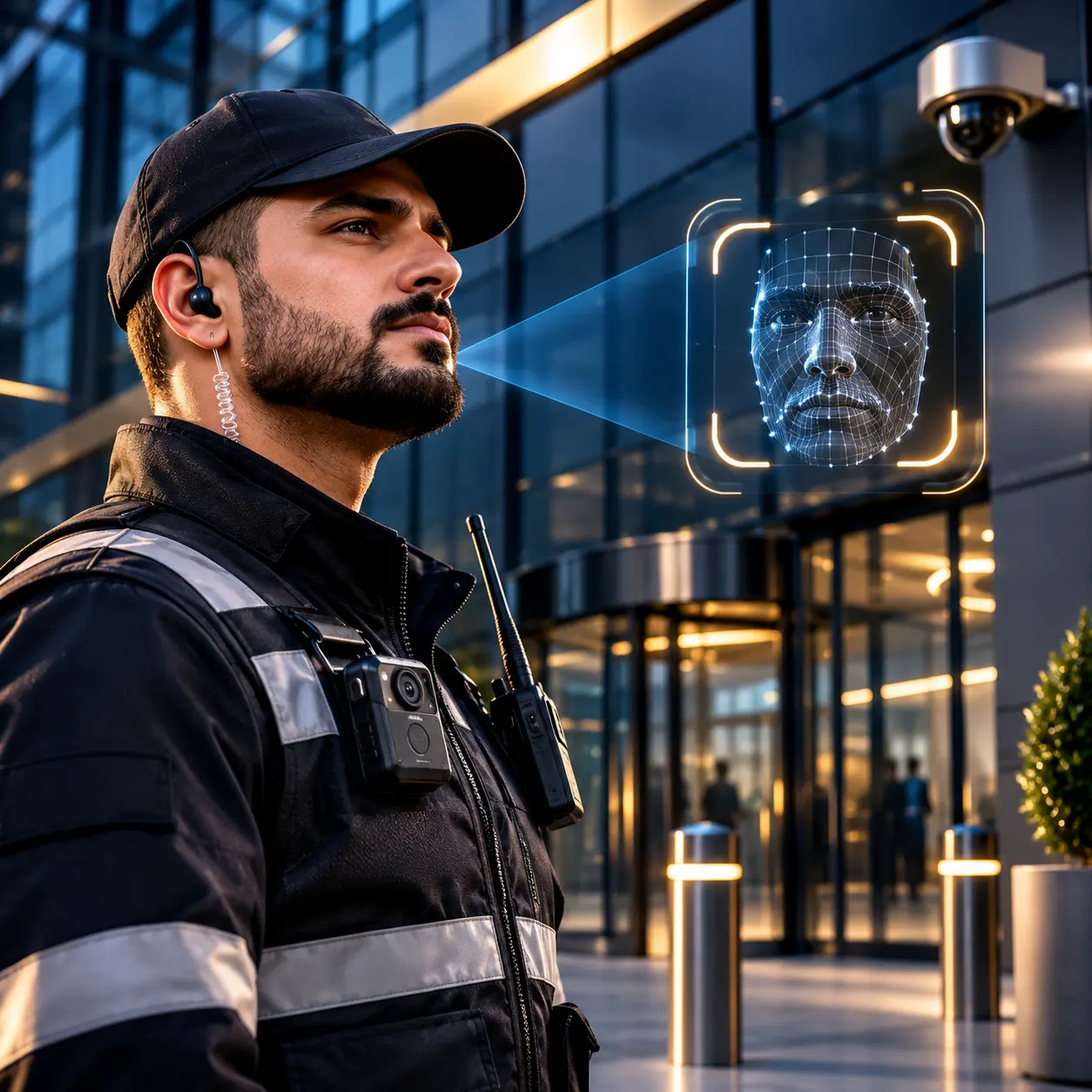
A face scan at a building entrance

Features

Every shift, supervised by the system.

Seven features work together from check-in to check-out, so the business can see the shift is covered and the officer can prove the work was done.

I need securityI am a Security Officer
  • Check-in only at the site
  • Face matched at check-in
  • Live during the shift only
  • Timesheet from real times

Seven features

One system. Seven ways to supervise a shift.

Each feature does one job. Together they cover the shift from the moment an officer arrives to the moment the record closes.

01

Live Map

Every active shift and officer in one view.

Quay HouseOn site
Northgate ArcadeOn site
Kings YardArriving
Marlowe HallOn site
Live map
02

Geofence Check-in

Check-in works only inside the site boundary.

03

Face Scan

Matched at check-in, checked again during the shift.

04

Live Tracking

Location during the shift only. It stops at check-out.

05

Chat and Call

Business and officer talk inside the shift.

06

Two-way Reviews

Both sides rate each other after the shift.

Business Officer
07

Automatic Timesheets

Worked time from the real check-in and check-out.

In 21:52Out 04:036 h 11 min

01Live Map

Every shift, on one live map.

Each site is drawn inside its boundary, with every officer on site or on the way. The business sees the same live view as the Zelver team, for its own shifts only.

Quay HouseOn site
Northgate ArcadeOn site
Kings YardArriving
Marlowe HallOn site
Live map
On siteArrivingSite boundary
  • Every active shift on one map
  • Officers on site and arriving
  • Each site shown with its boundary
  • Late and missing flags in view

At the site

Proof the right officer is really there.

Two checks run at check-in. Both must pass, or there is no check-in.

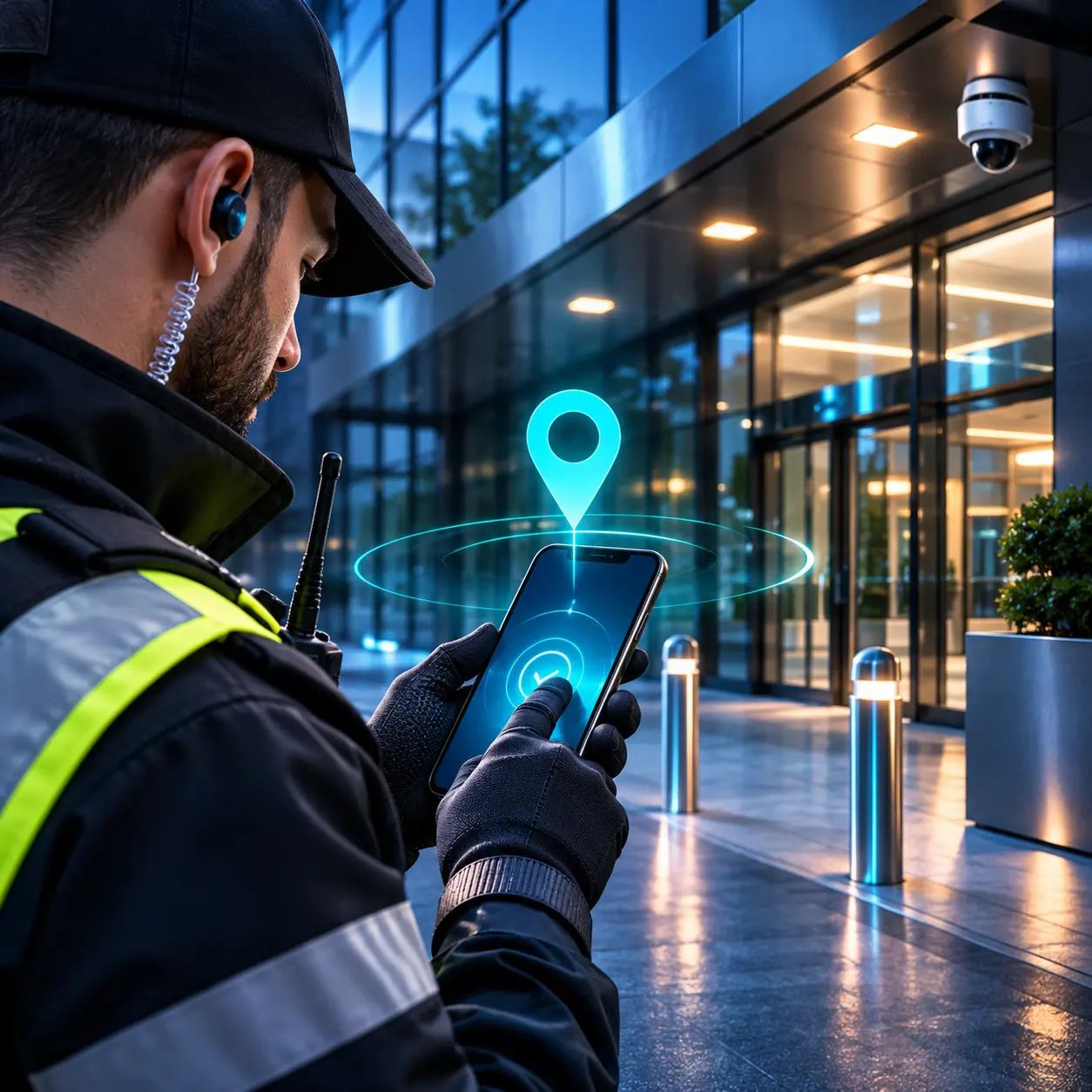
An officer checking in inside a site boundary on his phone
Check-in

Location

Inside the site boundary

Face scan

Matched to the verified officer

Time

21:52 for a 22:00 start

02Geofence Check-in

Check-in works only inside the site boundary.

Every site has a boundary on the map. The officer can check in only from inside it, from 15 minutes before the start.

  • Enforced by the server
  • Opens 15 minutes before the start
  • Clear message if out of range
  • Late check-ins are flagged
Close portrait of an officer looking at her phone
Face verified

Face check passed

During the shift, 00:30

03Face Scan

Matched at check-in. Checked again during the shift.

A face scan is compared with the officer's verified face. It stops one person checking in and handing the shift to someone else.

  • Face scan at every check-in
  • Face checks during the shift
  • Used only with clear consent
  • Every check logged with its result

During the shift

Live from check-in to check-out.

While the shift runs, both sides stay in view and in touch.

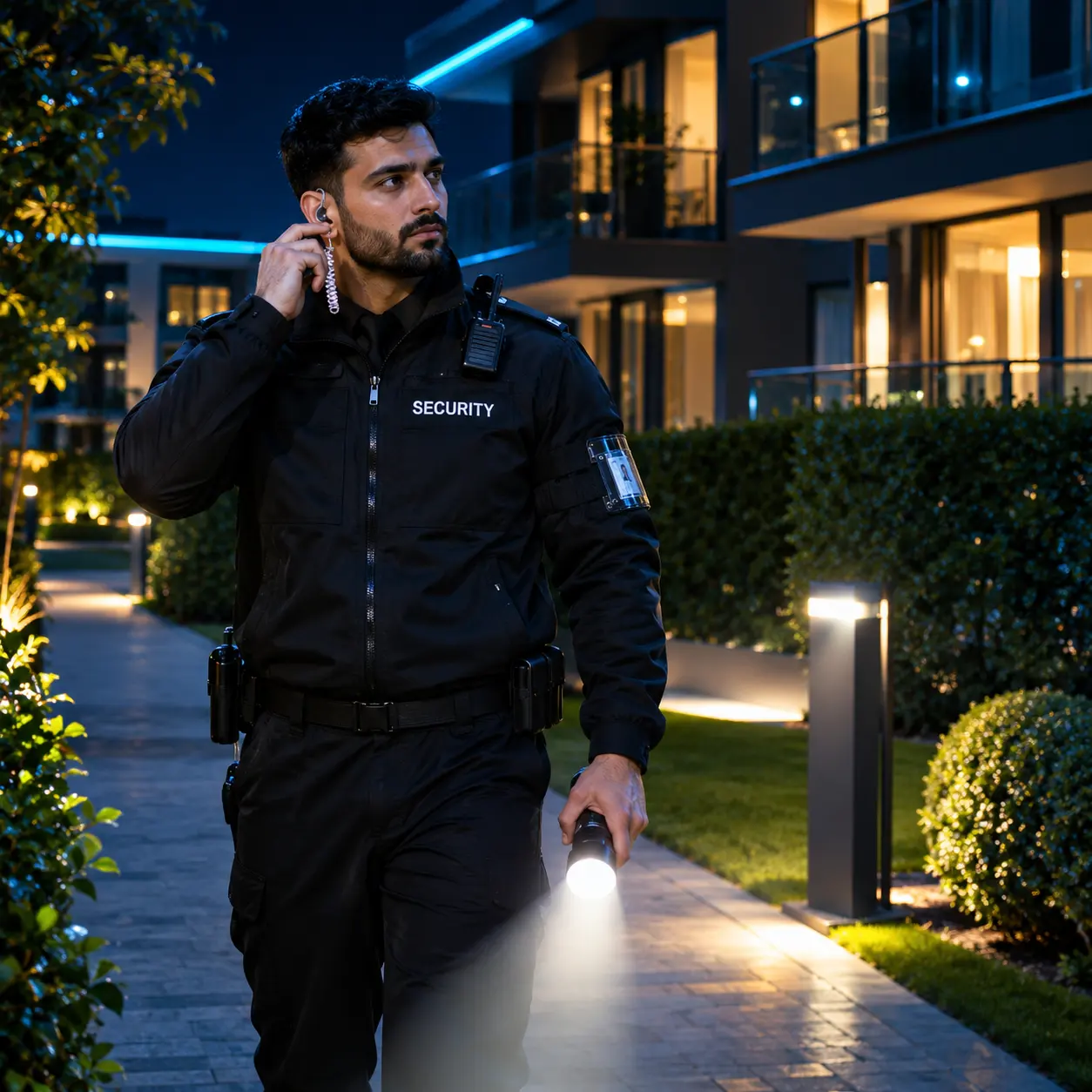
A Security Officer on a night patrol at a residential building
Live tracking
  • Location live21:52
  • Inside the boundary
  • Stops at check-out

04Live Tracking

Location is shown only while the shift runs.

From check-in, the officer appears on the live map. At check-out, sharing stops. If the officer leaves the site boundary for more than five minutes, the business and the Zelver team are alerted.

  • Starts at check-in
  • Stops at check-out
  • Alert when an officer leaves the boundary
  • Never tracked outside a shift
A Security Officer on a call in a corridor

One-tap call

From inside the shift

Shift chat

Side gate is open for deliveries until 23:00.

Understood. I will lock it at 23:00 and confirm.

Thank you.

Call is one tap away

05Chat and Call

Talk inside the shift, where it is recorded.

Every shift has its own chat for the officer, the business and the Zelver team. When a message is not enough, a call is one tap away.

  • One chat for every shift
  • Officer, business and Zelver team
  • Call with one tap
  • Kept in the shift record

After the shift

A fair close, written down.

When the officer checks out, the system closes the shift. Time is measured, both sides are rated and the record is kept.

A manager leaving a rating on his phone

Review left

Both ways

06Two-way Reviews

Both sides rate each other.

After a completed shift, the business rates the officer and the officer rates the business. Each point is scored from 1 to 5.

Officer rated on

  • Reliability
  • Punctuality
  • Professionalism
  • Communication
  • Work quality

Business rated on

  • Safety
  • Clear instructions
  • Treatment of staff
  • Working environment
Two-way reviews

Business rates the officer

Officer rates the business
A Security Officer leaving work at sunrise with a coffee

Timesheet created

6 h 11 min

07Automatic Timesheets

Time worked, from real times.

Worked minutes come from the actual check-in and check-out. No paper sheet and no manual entry.

  • Real check-in time
  • Real check-out time
  • Early check-outs flagged
  • Part of the shift record
Shift record
  1. Shift postedSat 09:14
  2. Officer approvedSat 11:40
  3. Checked in at the site21:52
  4. Face check passed00:30
  5. Checked out04:03
  6. Timesheet created6 h 11 min
  7. Reviews exchangedBoth ways

Also built in

The quiet work behind every shift.

The tools that keep the system honest when something does not go to plan.

Incident reports

The business reports a problem in the shift. The Zelver team reviews each one.

Case notes

The officer writes case notes for every shift. Unwritten notes show as pending.

Replacement search

When an officer cannot attend, the system searches for eligible officers nearby.

Licence expiry watch

Expired SIA licences are blocked from shifts, with reminders before expiry.

Audit log

Approvals, cancellations, face checks and overrides are all recorded.

Admin oversight

The Zelver team can approve, remove or face-check an officer on any shift.

Late and early flags

Late check-ins and early check-outs are flagged on the record.

Licence type matching

Officers only see shifts that match their SIA licence type.

Security Officers and business owners standing together above the city

Get started

Create your account.

Businesses and Security Officers both start the same way. Create an account, get verified, and the system takes it from there.

I need securityI am a Security Officer