
Zelver
PlatformHow It WorksFeaturesFor BusinessesFor Security OfficersIndustriesCompliance
Book a demoRequest cover
Request cover
Zelver

The smart security management system. Verified businesses, verified Security Officers and one system supervising every shift between them.

info@zelver.co.uk

The system

  • Platform
  • How It Works
  • Features

Who it is for

  • For Businesses
  • For Security Officers
  • Industries

Trust

  • Compliance
  • Privacy
  • Terms
  • Data protection

Get started

  • Request cover
  • Book a demo
  • Create account
  • Sign in
  • Contact

© 2026 Zelver Security Technologies Ltd. Company number 17580541. Registered in England & Wales.

Made in the United Kingdom.

A business owner at her reception desk with a Security Officer behind

Officer checked in

Inside your site boundary

Face matched

The verified officer

For businesses

Security you can see and prove.

Post a shift for your site. A verified, SIA-licensed Security Officer is approved, checks in at your door with a face scan, and the whole shift is on your map and on the record.

Create accountCreate a business accountTalk to us
  • SIA licence checked
  • Face-verified check-in
  • Live map for your shifts
  • Automatic timesheet

How it works for you

Your shift, step by step.

Six steps from your first account to a finished record. The system checks each one.

See every stage
  1. 01

    Create an account

    Set up your business profile.

  2. 02

    Get verified

    Zelver approves your business first.

  3. 03

    Add your site

    Pin the address. A boundary is set around it.

  4. 04

    Post a shift

    Pick the time. A verified officer is approved.

  5. 05

    Watch it live

    Check-in, live location, chat and call.

  6. 06

    Review and record

    Timesheet, record and reviews both ways.
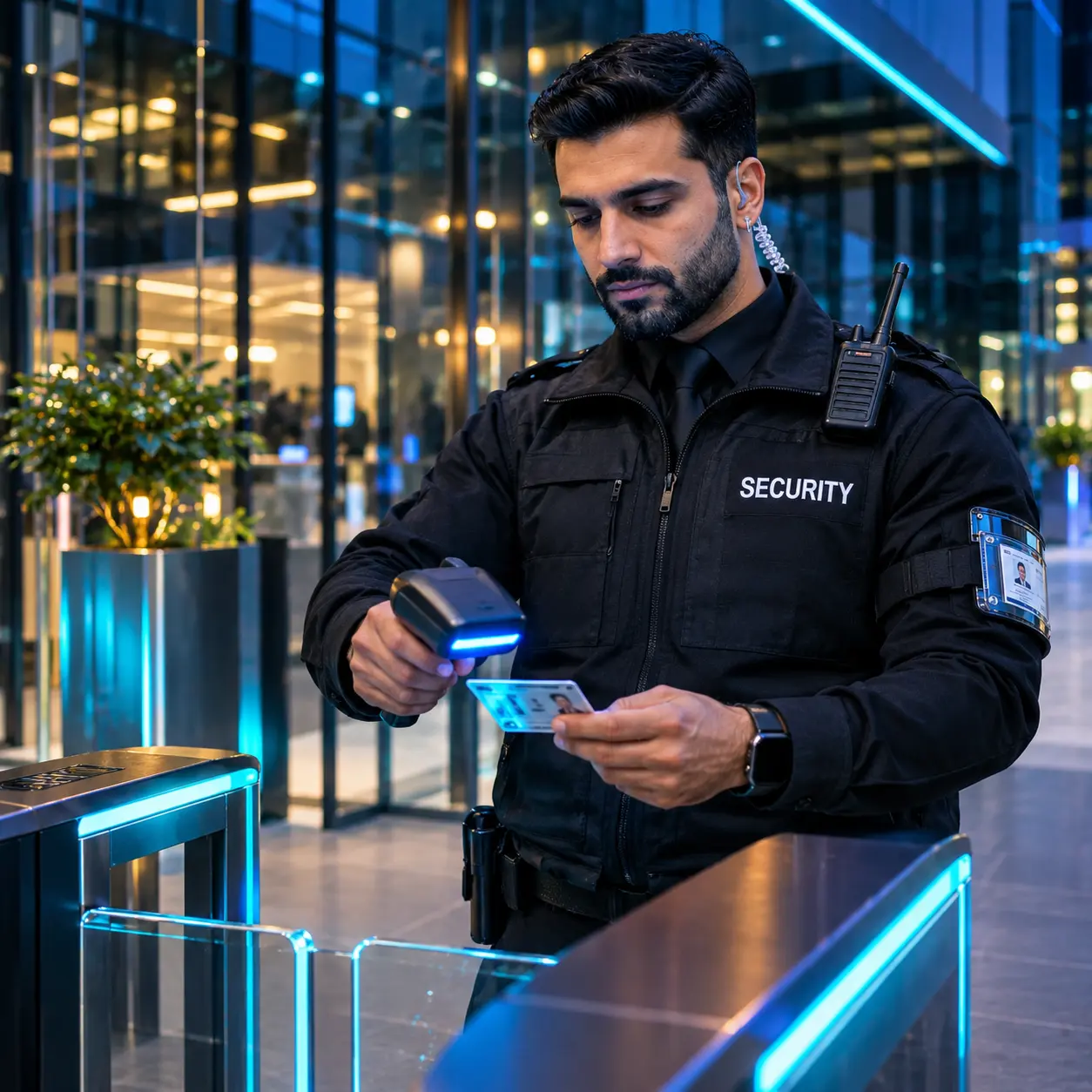
A Security Officer checking an identity card at a desk

SIA licence verified

Watched for expiry

Right to work confirmed

Identity checked

Verification

Every officer is verified before they reach your door.

No officer can pick your shift until the checks are complete. The licence is not checked once and forgotten.

  • SIA licence checked on the public register
  • Expiry watched, expired licences blocked
  • Identity documents checked
  • Right to work confirmed
  • Face enrolled against the ID photo
  • Licence type matched to your shift
A venue owner using a tablet in his office
Your shiftsAlerts on

Live view

Watch every shift live.

From check-in to check-out your shift is on the map. You see who is on site, when they arrived and whether they are inside the boundary.

  • Live map for the shifts you own
  • Check-in proven by place and face
  • Alert if the officer leaves the site
  • Chat and one-tap call
Check-in

Location

Inside the site boundary

Face scan

Matched to the verified officer

Time

21:52 for a 22:00 start

Shift chat

Side gate is open for deliveries until 23:00.

Understood. I will lock it at 23:00 and confirm.

Thank you.

Call is one tap away

The record

Proof after every shift.

When the officer checks out, the record is already written: who was there, where, when and what happened.

A manager leaving a rating on his phone
Shift

Marlowe Hall

Door supervision

Approved

Sat

Day

22:00

Start

6 h

Length

Two-way reviews

Business rates the officer

Officer rates the business

Shift record
  1. Shift postedSat 09:14
  2. Officer approvedSat 11:40
  3. Checked in at the site21:52
  4. Face check passed00:30
  5. Checked out04:03
  6. Timesheet created6 h 11 min
  7. Reviews exchangedBoth ways

Automatic timesheet

Worked time comes from the real check-in and check-out times.

Two-way reviews

You rate the officer. The officer rates your business.

Incident reports

Report a late or missing officer, or any issue. Zelver reviews each one.

Case notes

The officer writes notes on the shift for your record.

Pricing

A clear price before you post.

The price for a shift is shown before you post it. You decide with the full picture in front of you.

Always included

  • Officer verification
  • Geofence check-in
  • Face scan at check-in
  • Live map for the shift
  • Chat and call
  • Automatic timesheet
  • Complete shift record
  • Two-way reviews
An account director shaking hands with a client

Contract client

Shifts managed by Zelver

Contract clients

Prefer us to manage it?

For contract clients, Zelver posts the shifts and approves the officers for you. From check-in onwards everything is the same: the checks, the live view and the record.

  • Shifts posted for you
  • Officers approved for you
  • The same live view
  • The same complete record
Talk to us

Questions

Good to know before you post.

How long can a shift be?

Between 5 and 12 hours. The system will not accept a shift outside that range, and every date and time is chosen with a picker, not typed.

How much notice do you need?

A shift must start at least 6 hours after you post it. A shift that starts within 12 hours is marked urgent. Twelve hours or more is standard notice.

What if an officer cannot attend?

If a confirmed officer is removed from your shift, the place reopens and a replacement search looks for eligible, verified officers nearby. You can also report a problem from inside the shift.

Who can see the live map?

You see the live view for your own shifts only. The officer's location is shared from check-in to check-out, and sharing stops at check-out.

How do reviews work?

After a completed shift you rate the officer on reliability, professionalism, punctuality, communication and work quality, each from 1 to 5. The officer rates your business too.

Another question? Talk to us
A hotel owner in her lobby with a Security Officer at the doors

For businesses

Your next shift, fully in view.

Create a business account, get verified and post your first shift. The system supervises it from check-in to review.

I need securityI am a Security Officer