
How it works
Every shift on Zelver follows the same six stages. Here is what the business does, what the Security Officer does and what the system checks along the way.
The six stages
At every stage, here is what the business does and what the Security Officer does.
01
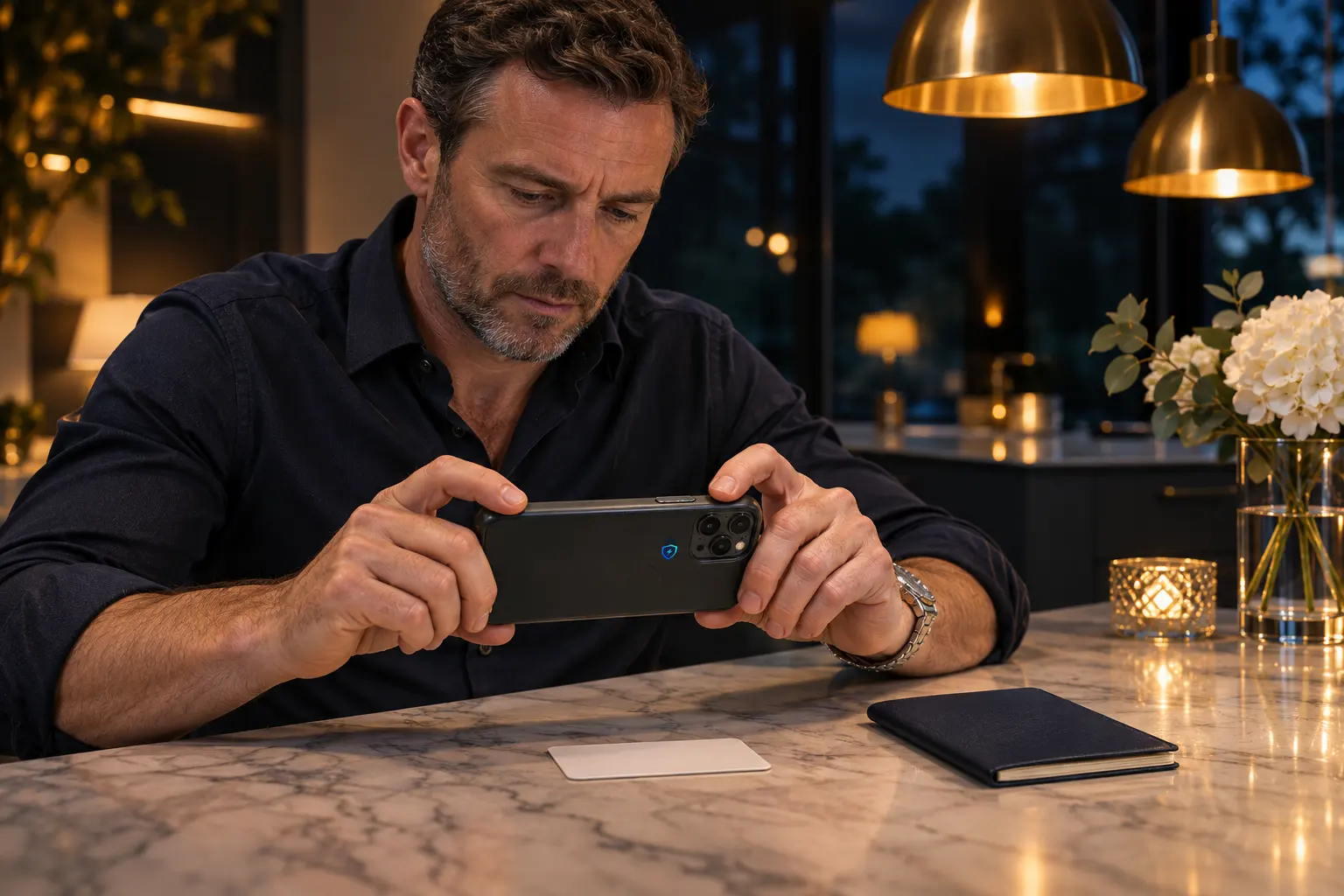
Both sides create an account and are verified before either can act.
Business
Creates an account and a business profile, which is reviewed before it can post.
Security Officer
Uploads SIA licence, ID, right to work, photo and proof of address, then enrols their face.
02
The business places a shift of 5 to 12 hours on the map, at least 6 hours ahead.

Placed on the map
Site and boundary set
Marlowe Hall
Door supervision
Sat
Day
22:00
Start
6 h
Length
Business
Adds a site, then places the shift on the map with at least 6 hours notice.
Security Officer
Sees open shifts on the map that match their verified licence.
03
Eligible officers express interest, one is approved and the shift is confirmed.

Marlowe Hall
Door supervision
Sat
Day
22:00
Start
6 h
Length
Business
Sees the approved officer on the shift and the shift confirmed.
Security Officer
Expresses interest in the shift and can withdraw until it is confirmed.
04
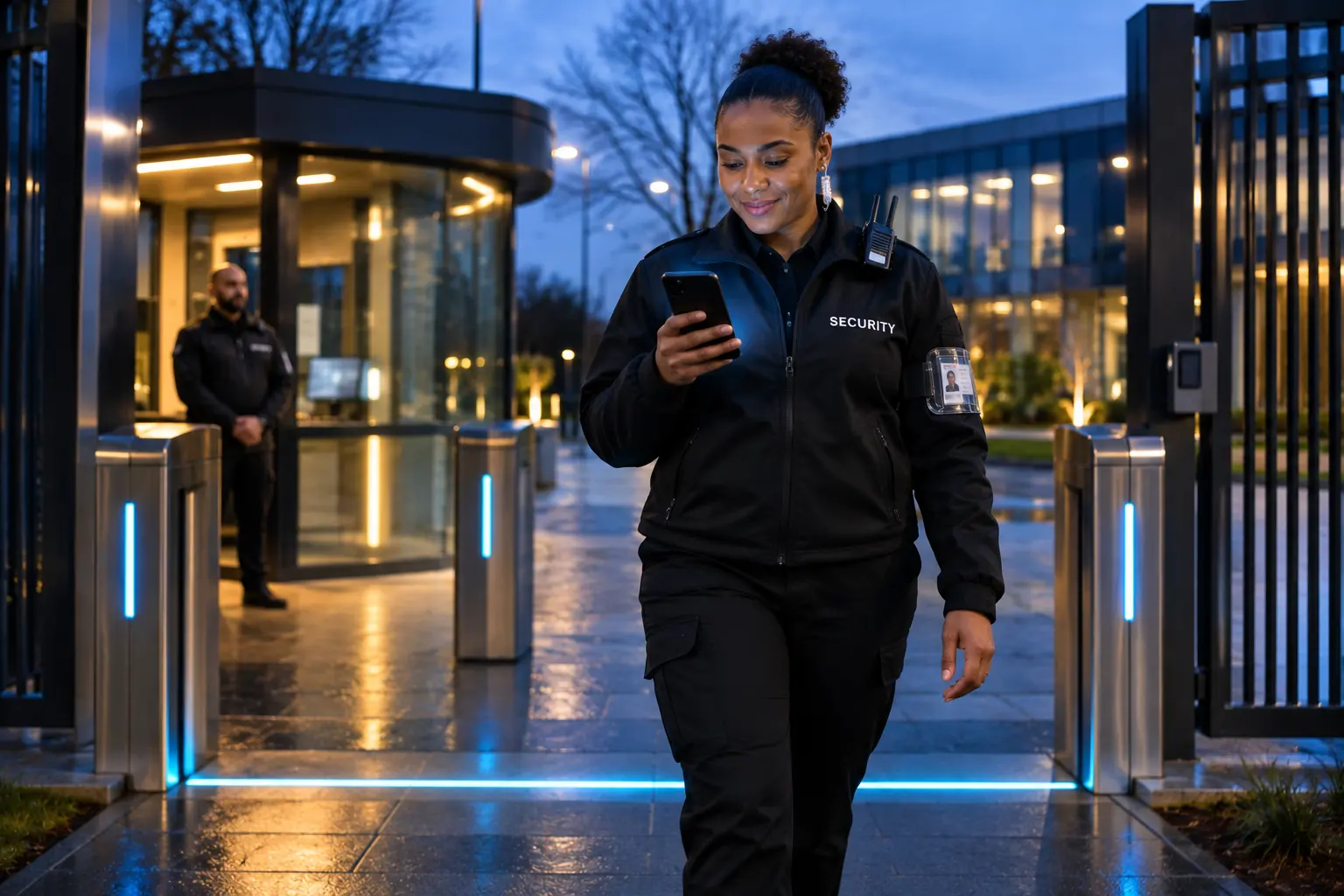
Check-in opens 15 minutes before the start and works only inside the site boundary, with a face scan.
Location
Inside the site boundary
Face scan
Matched to the verified officer
Time
21:52 for a 22:00 start
Business
Sees the check-in as it happens and is notified if the officer is late.
Security Officer
Stands inside the site boundary and passes a face scan to check in.
05
The shift runs live, with location, chat, one-tap call, face checks and boundary alerts.

Live location on
Until check-out
Side gate is open for deliveries until 23:00.
Understood. I will lock it at 23:00 and confirm.
Thank you.
Business
Follows live location, chats, calls in one tap and reports any incident.
Security Officer
Keeps in touch by chat or call and completes face checks during the shift.
06
Check-out creates the timesheet from the real times, and reviews go both ways.

Timesheet created
From the real times
Business rates the officer
Officer rates the business
Business
Reviews the officer and keeps the full record of the shift.
Security Officer
Checks out at the site, adds case notes and reviews the business.
Built-in checks
Each stage has its own check built in, so nothing is left to chance.
Licences are checked against the SIA register. Businesses are reviewed before they post.
A shift must run 5 to 12 hours and start at least 6 hours away.
Only a verified, in-date licence of the right type can pick the shift.
No check-in outside the boundary or without a face match.
An alert is raised if the officer stays outside the boundary for more than 5 minutes.
Worked time comes from the actual check-in and check-out.
Live operations
From check-in to check-out, the business sees its own shifts on the live map. Location sharing stops at check-out.

Get started
Businesses and Security Officers both start the same way. Create an account, get verified, and the system takes it from there.